Overview
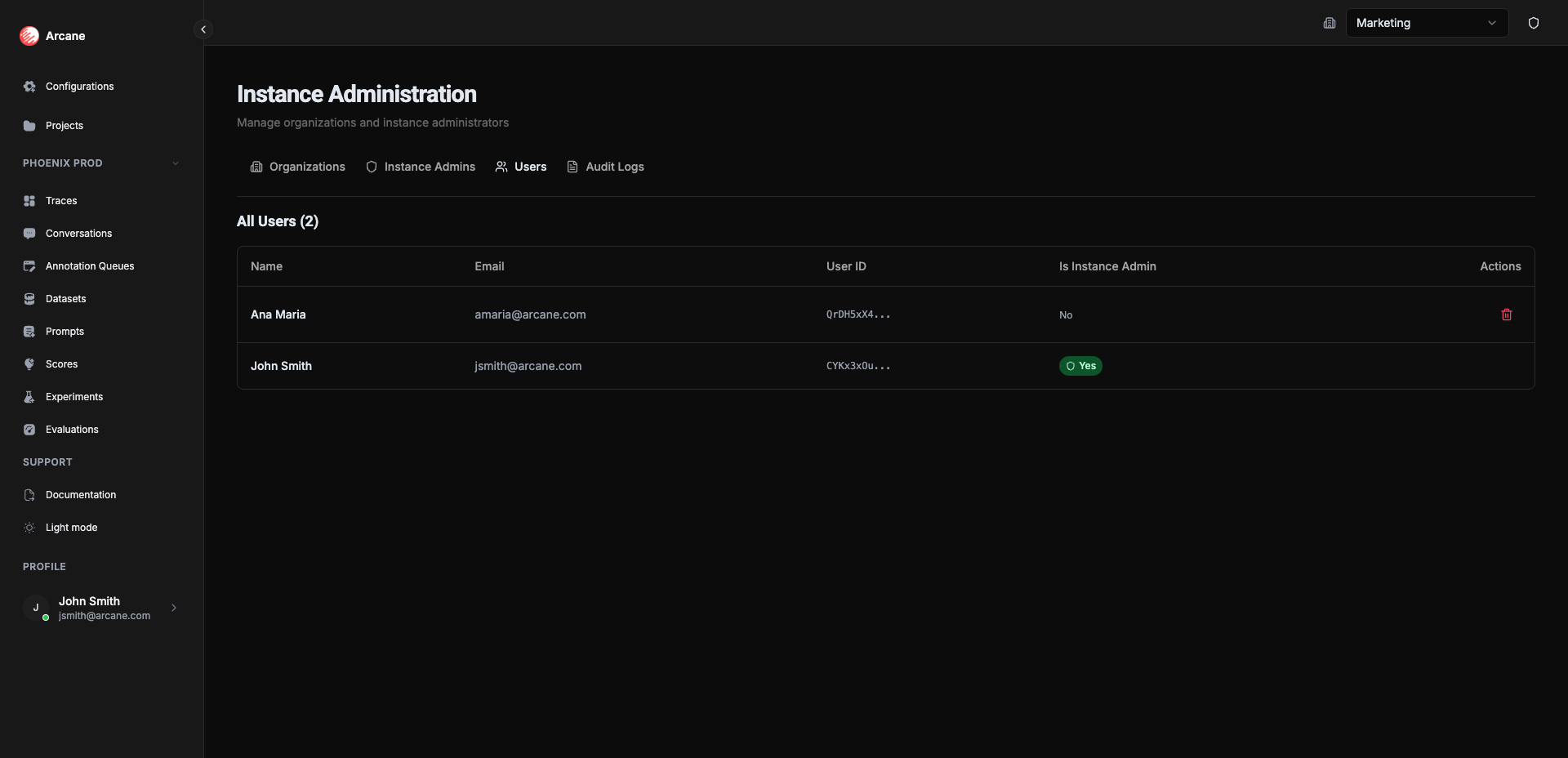
Instance Administration is where you manage your entire Arcane deployment. As an instance administrator, you control organizations, users, and who has administrative access across the instance.
What it is
Instance Administration gives you full control over your Arcane instance. Use it to:
- Create or delete organizations — Set up new organizations for different teams or environments, or remove them when no longer needed
- Manage instance admins — Grant or revoke instance administrator privileges
- View all users — See every user across the instance and manage accounts
- Track changes — Review audit logs for organizations and instance administrators
Tabs
The page has four tabs, each focused on a specific area:
| Tab | Purpose | Learn More |
|---|---|---|
| Organizations | Create and delete organizations | Managing Organizations |
| Instance Admins | Add or remove instance administrators | Managing Instance Admins |
| Users | View all users and manage accounts | Managing Users |
| Audit Logs | Track administrative changes | Audit Logs |
Prerequisites
- Instance administrator privileges — Only instance admins can access this page
- At least one instance admin — You must always have at least one instance administrator
Getting started
- Create your first organization — Start by creating an organization for your team. See Managing Organizations.
- Add instance admins — Grant instance administrator privileges to trusted team members. See Managing Instance Admins.
- Configure the organization — Once created, configure the organization with datasources, entities, and other settings. See Organisation Configuration.
Related
- Managing Organizations — Create and delete organizations
- Managing Instance Admins — Add and remove instance administrators
- Managing Users — View and manage all users
- Organisation Configuration — Configure organization-level settings
- Audit Logs — Learn about audit logging and compliance